Quick answer
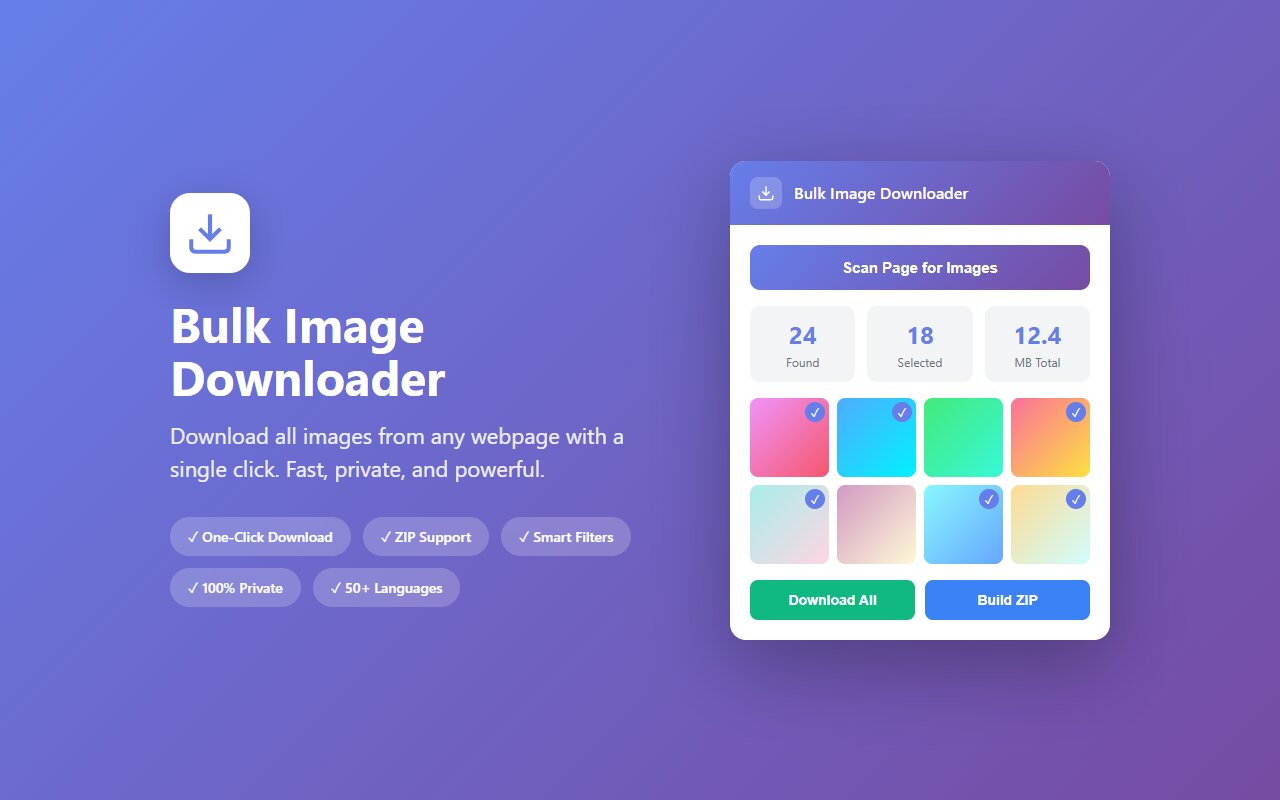
The Bulk Image Downloader extension finds all images on any webpage, lets you select which ones you want, and downloads them as a single ZIP file. One click, no logins, works everywhere.
Downloading images one-by-one using right-click is tedious at 10 images, unbearable at 100, and impossible at 1,000. A single extension solves this: select the images you want from any site and download them all at once. Works on Pinterest, Instagram, Etsy, Amazon, Reddit, and any website.
What the extension does
In one click, the extension:
- Scans the current webpage and lists every image on it.
- Shows you a preview of each image so you can see what you are downloading.
- Lets you select specific images or "select all".
- Downloads all selected images as one ZIP file with organized filenames.
- Works on any website: social media, e-commerce, portfolios, galleries.
No servers, no uploads, no waiting. Everything happens in your browser.
Supported websites
The extension works on these popular sites (and thousands more):
- Social media: Pinterest, Instagram, Twitter/X, Reddit, TikTok, Tumblr, Flickr.
- E-commerce: Amazon, eBay, Etsy, Shopify stores, AliExpress.
- Photo galleries: Google Images, Unsplash, Pexels, Pixabay, 500px, DeviantArt, Behance, Dribbble.
- Any website: Blogs, portfolios, news sites, product pages, real estate listings.
If a website displays images in a browser, the extension can download them.
How to use it: 3 steps
- Click the icon. Click the Bulk Image Downloader icon in your Chrome toolbar.
- Review the list. The extension shows a preview of all images on the page. Scroll through and deselect any you do not want (or click "All" to keep everything).
- Download. Click "Download as ZIP". Your browser downloads all selected images in a single ZIP file ready to extract.
The entire process takes under a minute for most pages.
Lazy-loaded sites: the key to complete downloads
Modern websites (Instagram, Pinterest, Twitter) load images as you scroll. If you run the extension without scrolling first, you will only get images visible on your screen.
Always scroll to the bottom of the page first, especially on infinite-scroll sites. Once all images have loaded in your browser, then run the extension to download everything.
Comparing to alternatives
Why use an extension vs. other methods:
- vs. right-click-save: Saving 100 images one-by-one takes 30+ minutes. The extension takes 2 minutes.
- vs. wget/curl scripts: Requires terminal knowledge and works poorly on JavaScript-heavy sites.
- vs. online download services: No upload, no server, no privacy concerns. Everything runs in your browser.
- vs. Fatkun or Image Downloader (competitors): Similar feature set; Bulk Image Downloader has the best UI and smallest file footprint.
At-a-glance comparison
| Tool | Batch download | ZIP output | Works offline | Setup time |
|---|---|---|---|---|
| Bulk Image Downloader (extension) | Yes | Yes | Yes | 30 seconds |
| Fatkun Batch Download | Yes | Yes | Yes | 30 seconds |
| Image Downloader (other) | Yes | No | Yes | 30 seconds |
| right-click save | No | No | Yes | Instant |
| wget / curl | Yes | Manual | Yes | 5+ minutes |
| Online upload service | Yes | Yes | No (upload required) | Instant |





