Quick answer
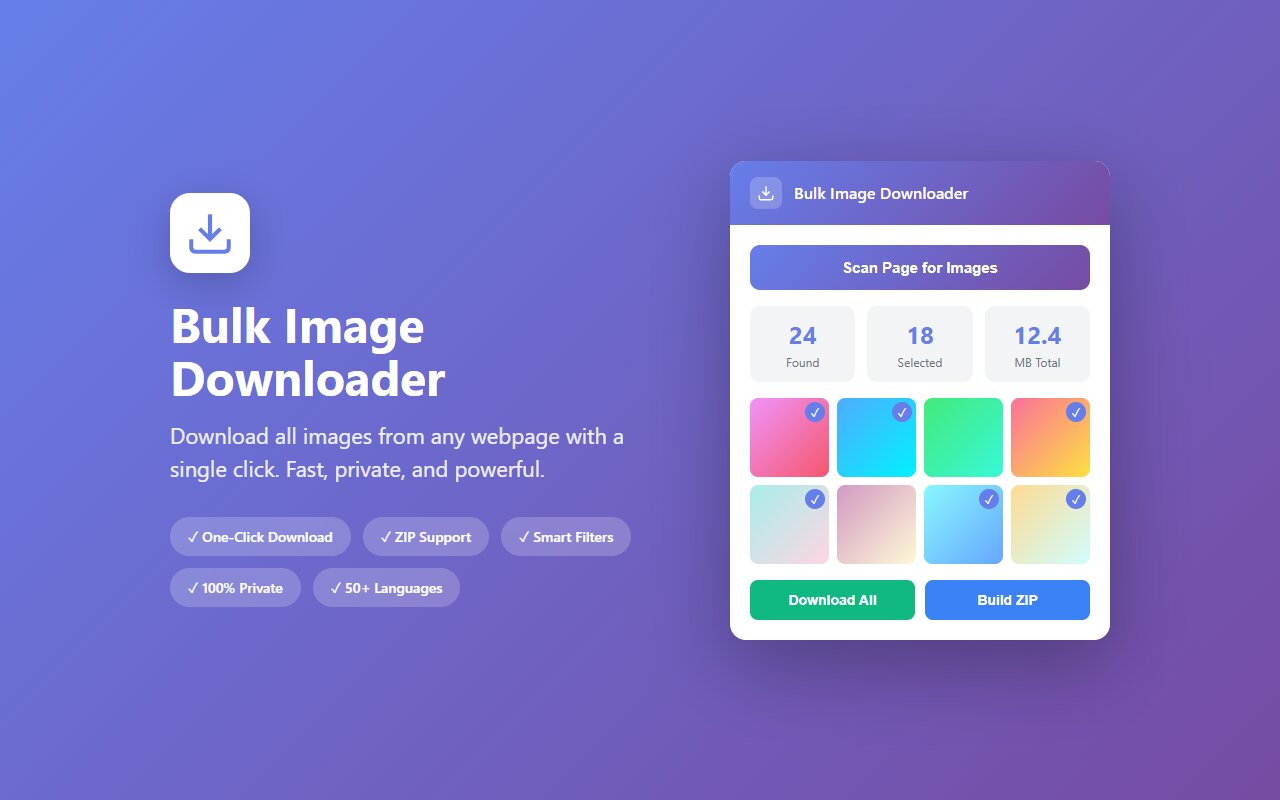
Visit the Instagram profile in your browser (no login needed for public profiles), click the Bulk Image Downloader extension, and download all images as a ZIP. Stories and carousels are included at full resolution.
Instagram profiles disappear. Accounts get deleted, users go private, photos get removed. If you admire a creator's aesthetic or want to archive a profile before something happens, downloading all images locally is the fastest backup. Here is how, without using Instagram's official download feature.
Why you might need to download an Instagram profile
Common reasons:
- Creator going private or deleting. You follow an artist, photographer, or brand and want to preserve their public portfolio in case the account vanishes.
- Competitive research. You want to study a competitor's product photography, captions, or aesthetic without constantly visiting Instagram.
- Personal archive. Downloading your own profile as a backup before considering account deletion.
- Reference library. Curating fashion inspo, interior design, or photography styles for your own work.
Instagram makes it hard to bulk download your own posts and near-impossible for others' profiles, so the extension bridges that gap.
How to download a public Instagram profile
- Open Instagram in any Chromium browser (Chrome, Edge, Brave) and navigate to the profile you want to download.
- You do NOT need to log in if the profile is public.
- Scroll to the bottom of the profile to load all posts (Instagram lazy-loads, so scroll until "no more posts" appears).
- Click the Bulk Image Downloader extension icon.
- The extension lists all visible photos and videos. Carousels show each image separately.
- Select "All" or pick specific posts, then click "Download as ZIP".
Carousels (multi-image posts) are downloaded as separate images, so a 5-photo carousel becomes 5 files in the ZIP. All files use Instagram's original filenames when possible.
What's included and what's not
The extension downloads:
- All profile photos (current profile pic + any archived versions visible on the page).
- All feed posts and carousel photos at full resolution (typically 1080x1080 or higher).
- Reels (video format) as video files.
- Stories (if you are logged in and they are visible).
What's NOT included:
- Video audio (videos download as files but without captions or audio metadata).
- Comments, likes, or engagement data.
- Stories older than 24 hours (Instagram removes them).
- Private accounts or followers-only content.
Login vs. no-login download
You can download public profiles without logging in. If you want to download your own private profile, stories, or followers-only content, you need to log into your account in the browser first. The extension respects Instagram's access rules: if you can see it in the browser, the extension can download it. If you can't see it, the extension can't either.
Logging in is optional and takes 10 seconds. The extension never stores your credentials; it just works with what Instagram already loaded in your browser tab.
Instagram's terms of service and your rights
Downloading public images from Instagram is legally gray. Instagram's terms say you can't scrape or automate access, but a browser extension that works with content you can already see is a lighter shade of gray. Here is the practical reality:
- Downloading your own profile is almost certainly fine; you own the content.
- Downloading public creator content for personal reference, inspiration, or research is tolerated by most creators and Instagram (barely).
- Downloading and reselling or republishing someone else's content without credit is both a terms violation and potentially copyright infringement.
- Using downloaded images to train machine learning models or scrape at scale is explicitly forbidden by Instagram.
Use common sense: archive for personal use, not commercial republishing.
At-a-glance comparison
| Tool | No login needed | Batch download | Carousel support | Stories included |
|---|---|---|---|---|
| Bulk Image Downloader | Yes (public) | Yes | Yes | Yes (if logged in) |
| Instagram native download | N/A (limited) | Limited | Limited | Limited |
| Browser DevTools (manual) | Yes | No | No | No |
| instagram-dl (CLI) | Yes | Yes | Yes | Yes |
| right-click save | Yes | No | No | No |





