Quick answer
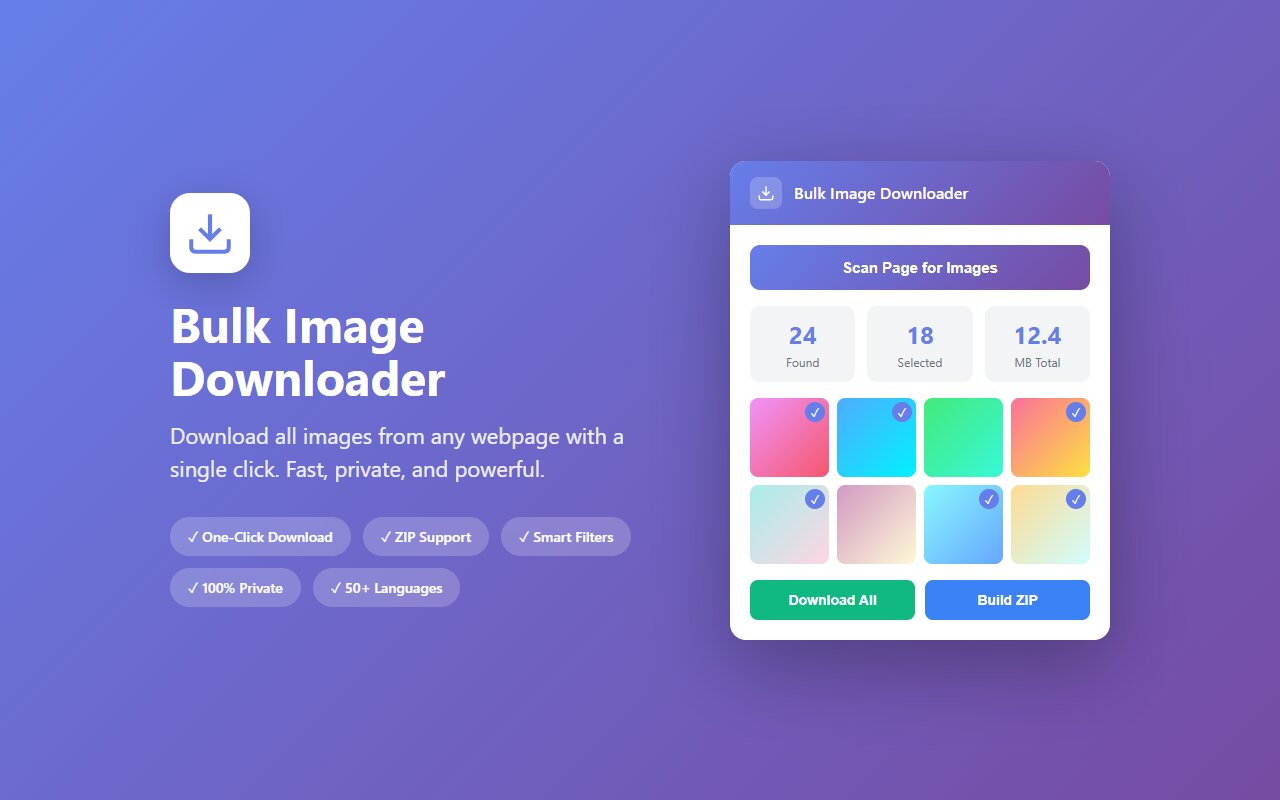
Open the Pinterest board in your browser, click the Bulk Image Downloader extension icon, select the images you want, and download them as a ZIP file. All pins download at full resolution, ready for archiving or your design moodboard.
Pinterest boards disappear. Accounts get deleted, boards go private, pins vanish from searches. If you have a board with design inspiration, product research, or recipes you want to keep, downloading it locally before something happens is smart. Here is the fastest way.
Why download Pinterest boards
Three reasons people need to save Pinterest pins:
- Board deletion. Your own board or a favorite creator's board disappears, and you lose hundreds of carefully curated images.
- Offline reference. Design moodboards, mood rings for projects, inspiration collections work better as local folders you can search and organize.
- Account risk. Pinterest accounts get hacked or disabled; pins pinned to private boards are lost if the owner account goes down.
Downloading a board as a ZIP with organized filenames takes a few minutes and gives you permanent offline copies.
Step by step: download a board with the extension
- Open the Pinterest board in your browser (any Chromium browser: Chrome, Edge, Brave, Arc).
- Click the Bulk Image Downloader icon in your toolbar.
- The extension scans the board and lists all pins. Scroll to load more if the board has hundreds of pins.
- Select "All" or hand-pick the pins you want.
- Click "Download as ZIP". The browser downloads all selected pins as individual images in an organized folder.
The whole process takes 2-3 minutes for a typical 50-pin board. File names are preserved and images are at full resolution from Pinterest's servers.
What you get when you download
Each downloaded image arrives as a separate file with:
- Original filename from Pinterest (or auto-numbered if the pin has no description).
- Full resolution from Pinterest's CDN, not the thumbnail size.
- ZIP structure with all images in one folder, one click to extract.
- No metadata loss. Filenames are preserved; timestamps match the download date.
Downloaded pins work with any image viewer, design tool, or photo gallery app. You can sort them by name, import into Figma or Adobe, or just browse locally in an image viewer.
Limits and workarounds
A few Pinterest-specific gotchas:
- Lazy loading. Pinterest loads pins as you scroll. The extension only sees pins that have loaded in your browser. Scroll to the bottom of the board first so all pins render, or use "load all" in the extension menu.
- Private boards. You can only download pins from boards you can view. A private board from another user will not load pins into the extension.
- Removed pins. If a pin was deleted from the board but cached in your browser, the extension might try to download it and fail gracefully (skipped in the ZIP).
None of these are blockers, just context so you are not surprised.
Alternative: Pinterest's own "Save to File" feature
Pinterest added a native "Save" button that exports a CSV of board metadata, but it does not include images themselves, only links. If you want actual image files on your computer, the extension is the only working path. If you just want a list of links for later, Pinterest's native export is fine.
At-a-glance comparison
| Tool | Downloads actual images | Batch download | ZIP support | Works on private boards |
|---|---|---|---|---|
| Bulk Image Downloader | Yes | Yes | Yes | No (can't load them) |
| Pinterest native export | No (links only) | N/A | No | Yes (CSV) |
| right-click save image | Yes | Manual | No | Yes |
| wget/curl script | Yes | Yes | Possible | No (requires auth) |





