Quick answer
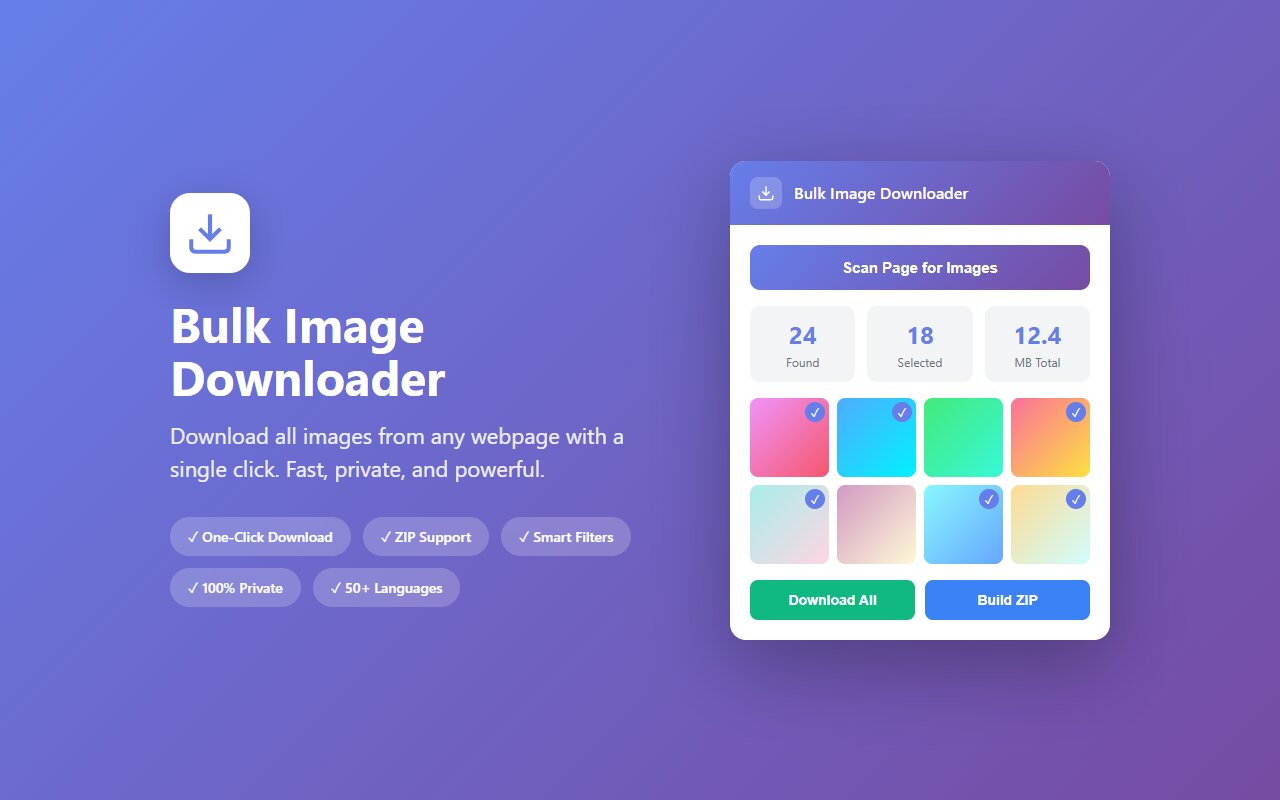
Open the Reddit thread in your browser (old.reddit.com or new), click the Bulk Image Downloader extension, and download all images from comments and the original post as one ZIP file. Works without an account.
Reddit threads vanish. Subreddits get archived, users delete posts, mods nuke content. If you found a helpful DIY guide with 20 photos, a product research thread with catalog images, or a discussion you want to reference later, downloading all images now is the safest backup.
Why download Reddit images
Reddit content is ephemeral:
- Post deletion. Original poster deletes the thread hours later; all images vanish.
- Moderation removal. Mods delete threads that violate rules; entire image collections disappear.
- Account deletion. User deletes their account; all their posts and images are gone.
- Subreddit archival. Posts older than 6 months are archived and can't be commented on, but images often disappear from CDN.
- Research and reference. Downloading product catalogs, DIY guides, or design references while they are available.
A single click to save the entire thread as a ZIP means you never lose that information.
Download a Reddit post or entire thread
- Open the Reddit thread in your browser (works on old.reddit.com, new.reddit.com, or reddit.com on mobile).
- Scroll through the thread to load comments. Images in comments are lazy-loaded, so scroll to the bottom to ensure all images are visible.
- Click the Bulk Image Downloader extension icon.
- The extension scans the page and lists all images from the original post and all comments.
- Select "All" or pick specific images, then "Download as ZIP".
The entire process takes under a minute. All images are downloaded at the highest resolution available from Reddit's image server.
Handling embedded images vs. linked images
Reddit supports two types of images:
- Native Reddit uploads. Hosted on reddit-user-content.com. Extension downloads at full resolution.
- External links. imgur, imgbb, external image hosts. Extension downloads what's hosted at the link.
Both work identically from the extension's perspective. A single thread might have a mix of both, and the extension handles them seamlessly.
Subreddit-wide bulk downloads
If you want to download all images from a subreddit (not just one thread), the extension works but requires manual steps:
- Open the subreddit (e.g., reddit.com/r/InteriorDesign).
- Use "Top of all time" or "Top of year" filters to see the most popular posts.
- Open each popular post in a new tab, use the extension to download images.
This is tedious for 100+ posts. For serious bulk subreddit archiving, a command-line tool like reddit-media-downloader is more efficient. The extension is best for one-off threads and posts.
What if the thread is already archived?
If a thread is archived (6+ months old), you can still view and download it, but:
- Images might be gone from Reddit's CDN if the post was deleted by a mod or author.
- Comments are visible but can't be posted.
- External image links might be broken if the original host deleted them.
Download soon after discovering a thread, not months later when link rot sets in.
At-a-glance comparison
| Tool | No account needed | Comments included | Handles imgur links | Batch download |
|---|---|---|---|---|
| Bulk Image Downloader | Yes | Yes | Yes | Yes |
| reddit-media-downloader (CLI) | Yes | Yes | Yes | Yes |
| right-click save | Yes | No | No | No |
| Pushshift archive | Yes | Metadata only | N/A | N/A |
| Manual subreddit scrolling | Yes | Yes | Limited | No |





