Quick answer
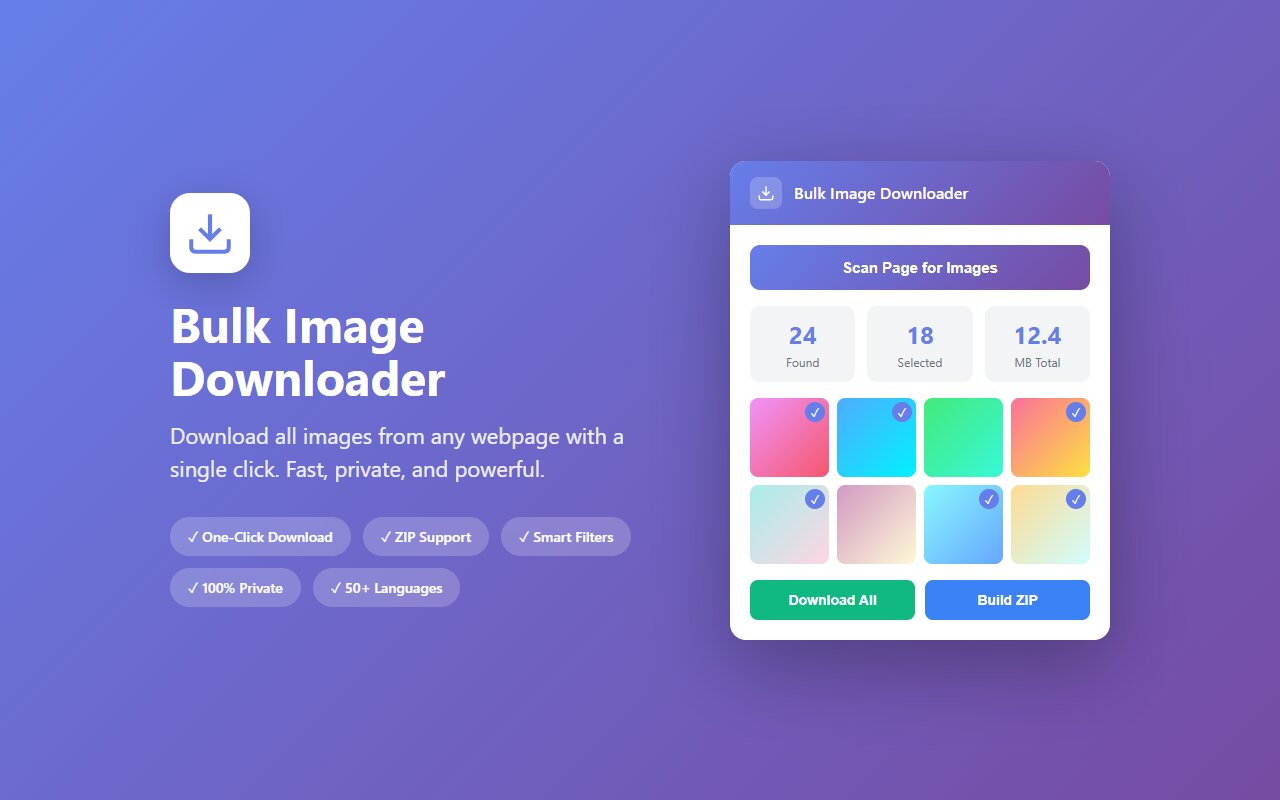
Open a stock photo gallery (Unsplash, Pexels, Pixabay), scroll to load photos, click the Bulk Image Downloader extension, and download all as ZIP. All photos are free and ready for commercial use.
Stock photo sites have search results pages that lazy-load photos as you scroll. Manually right-clicking each photo takes forever. Downloading an entire search result as a ZIP in one click is much faster for moodboarding, reference, or building a local asset library.
Free stock photo sites and licensing
Three popular free stock sites with bulk download support:
- Unsplash: 5M+ high-res photos, truly free, no attribution required, commercial use allowed.
- Pexels: 4M+ photos, free, no attribution required, commercial use allowed.
- Pixabay: 3M+ photos plus illustrations and vectors, free, no attribution required, commercial use allowed.
All three use the same license: download, use commercially, no credit required. Perfect for rapid prototyping.
How to bulk download from a photo gallery
- Go to Unsplash, Pexels, or Pixabay.
- Search for a topic (e.g., "minimalist interior design", "product photography background").
- Scroll through the search results to load all photos. These sites lazy-load, so scroll until you see "no more results".
- Click the Bulk Image Downloader extension.
- Review the photos and download all as ZIP.
For "minimalist interior design" on Unsplash, you might get 100-200 results. Download all in one ZIP.
Resolution and file sizes
Stock photo sites serve at multiple resolutions:
- Web resolution: 800-1200px (small, fast to download).
- Display resolution: 2000-3000px (full-screen display).
- Download resolution: 5000-6000px or higher (print-ready).
The extension typically downloads the display or highest available resolution. A ZIP of 100 Unsplash photos at full resolution may be 2-5 GB.
Curation and filtering
After downloading, review the ZIP before using in a project:
- Delete duplicates or similar shots that do not add value.
- Rename files by theme (forest-1, forest-2, etc.) for easier organization.
- Sort into subfolders by use case (backgrounds, textures, lifestyle, products).
Commercial use and attribution
All three sites permit commercial use without attribution. However:
- Do not claim you took the photo (unless you did).
- Do not use to create a competing stock photo service (re-uploading is prohibited).
- Crediting the photographer is nice but optional.
At-a-glance comparison
| Site | Resolution | Commercial use | Attribution required | Photo count |
|---|---|---|---|---|
| Unsplash | Up to 6000px | Yes | No | 5M+ |
| Pexels | Up to 4000px | Yes | No | 4M+ |
| Pixabay | Up to 5000px | Yes | No | 3M+ |
| Shutterstock | Various | With subscription | Yes (often) | 400M+ |
| Getty Images | Various | Paid license | Yes | 100M+ |





