Quick answer
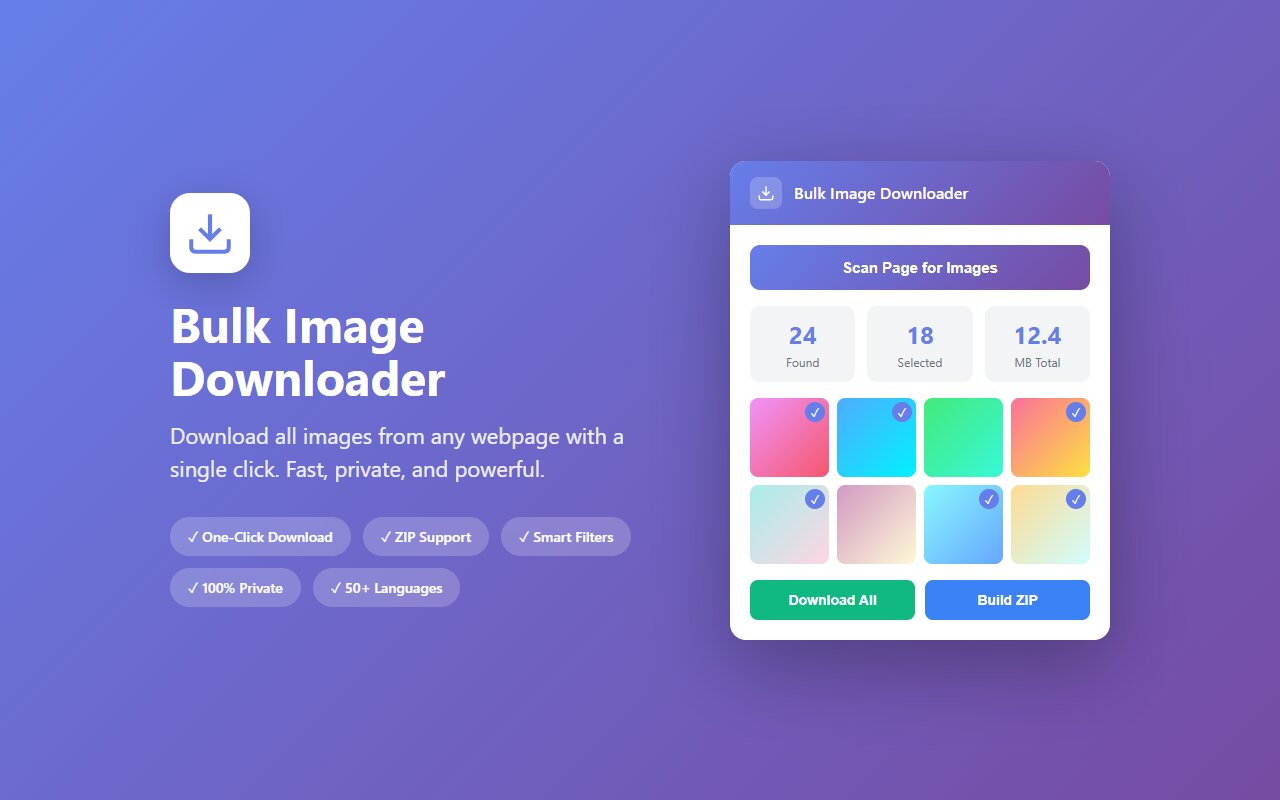
Open the Etsy listing in your browser, click the Bulk Image Downloader extension, and download all product photos as a ZIP. Every angle, zoom level, and color variant is included.
Etsy sellers put their best product photography into each listing. Whether you are a competitor doing research, a designer analyzing product presentation, or a seller archiving your own listings before a platform switch, downloading all photos at once is faster than right-clicking each one.
Why download Etsy listings
Common use cases:
- Competitive research. Study how top sellers in your category photograph products, stage angles, and present variations.
- Seller backup. Download your own listings' images before Etsy policy changes or you close the shop.
- Design reference. Collect product photography styles from a niche (jewelry, home goods, apparel) to inform your own shoots.
- Listing comparison. Download images from 5-10 similar products side-by-side to compare pricing vs. photo quality.
Step by step
- Open the Etsy listing page in your browser.
- Scroll through the gallery at the top of the listing to load all product photos (gallery images are sometimes lazy-loaded).
- Scroll down the page to load any lifestyle photos or additional images in the description.
- Click the Bulk Image Downloader extension icon.
- The extension lists all images on the listing page. Select "All" and download as ZIP.
Each image in the gallery (variations, closeups, lifestyle shots) appears separately. A typical Etsy listing has 10-20 images.
Variations and color options
Etsy listings for apparel and jewelry often have color/size variations. Each variation usually has its own photo.
- The main product gallery shows 1-2 images per variation.
- Clicking each variation in the product selector loads its gallery photos.
- For true completeness, click each variation and then run the extension (or scroll the page fully so all variation images render).
If you run the extension without clicking all variations, you will only get images from the first selected variant. The extension can only download what is visible in the browser.
Shop browsing: download multiple listings at once
If you want to download images from 5 products in a shop:
- Open each listing in a separate browser tab.
- Scroll each tab to load all images.
- Run the extension on each tab and save the ZIP files.
Alternatively, use the extension's batch feature if available (in Pro version) to download multiple listings in sequence without opening each tab manually.
Watermarks and seller branding
Some sellers add watermarks to product photos. The extension downloads the watermarked version as-is. If you are downloading for competitive research, keep in mind that the watermark is intentional seller branding and part of what you are analyzing.
At-a-glance comparison
| Tool | Handles variations | Lifestyle photos | No account needed | Preserves filenames |
|---|---|---|---|---|
| Bulk Image Downloader | Yes (if clicked) | Yes | Yes | Partial |
| Etsy seller tools | Yes | Yes | Sellers only | Yes |
| right-click save | Yes | Yes | Yes | No |
| wget/curl script | No (lazy-load) | Yes | Yes | Yes |





