Quick answer
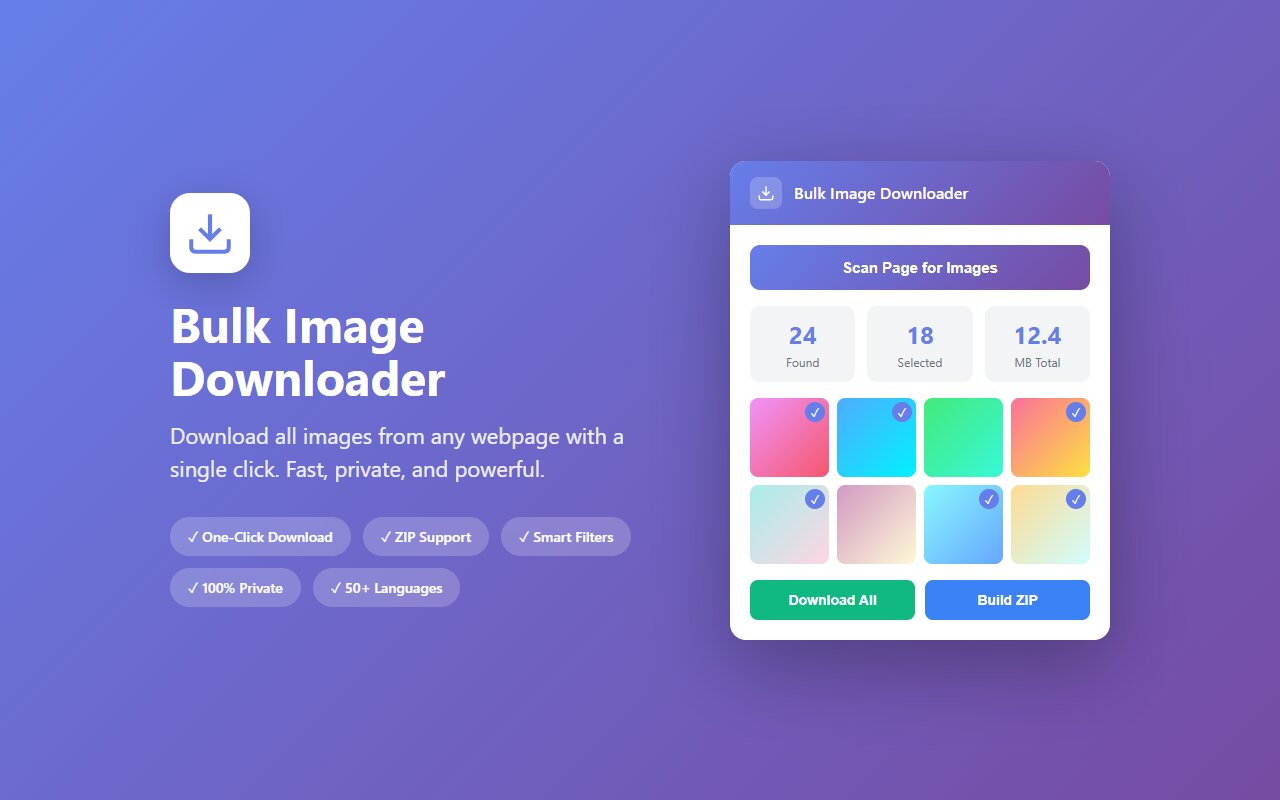
Open the Behance project or portfolio in your browser, scroll to load all images, click the Bulk Image Downloader extension, and download all design work as ZIP.
Behance portfolios are reference libraries for designers. Study how others present work, organize case studies, and photograph design projects. Downloading an entire portfolio as a ZIP lets you compare dozens of projects side-by-side without visiting Behance repeatedly.
Why download Behance work
Common reasons:
- Design inspiration library. Study how top designers photograph packaging, signage, or UI work.
- Portfolio benchmarking. Compare case study presentation, shot composition, and storytelling across 10 designers.
- Typography reference. Collect type treatments and letter-spacing choices.
- Color research. Archive color palettes and material finishes from design projects.
How to download a Behance project
- Open the Behance project or portfolio (behance.net/gallery/projectname).
- Scroll through the entire project to load all images. Case studies are often long; scroll to the bottom.
- Click the Bulk Image Downloader extension.
- Download all project images as ZIP.
What's included
Behance projects typically include:
- Hero images (main project shot).
- Process images (wireframes, sketches, iterations).
- Final designs (high-res mockups).
- Lifestyle shots (design in context, like packaging on a shelf).
- Typography and detail close-ups.
- Project description text (as embedded images, sometimes).
The extension downloads all of these.
Multiple projects in one portfolio
To download an entire Behance portfolio with multiple projects:
- Open each project in separate tabs.
- Scroll each tab fully.
- Run the extension on each tab and download.
Or use the CLI tool "behance-downloader" if you want automation.
Watermarks and designer credit
Behance projects often include designer names and watermarks. These are intentional credits and part of the portfolio presentation. Respect them.
At-a-glance comparison
| Tool | Full resolution | No login | Case studies | Speed |
|---|---|---|---|---|
| Bulk Image Downloader | Yes | Yes | Yes (if scrolled) | Medium |
| behance-downloader (CLI) | Yes | Yes | Yes | Fast |
| right-click save | Limited | Yes | Limited | Slow |





